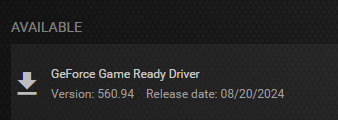
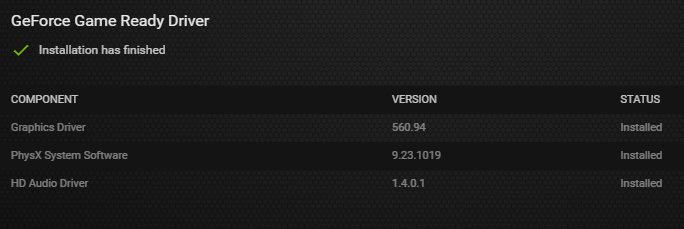
Installed GTX 1060 driver:
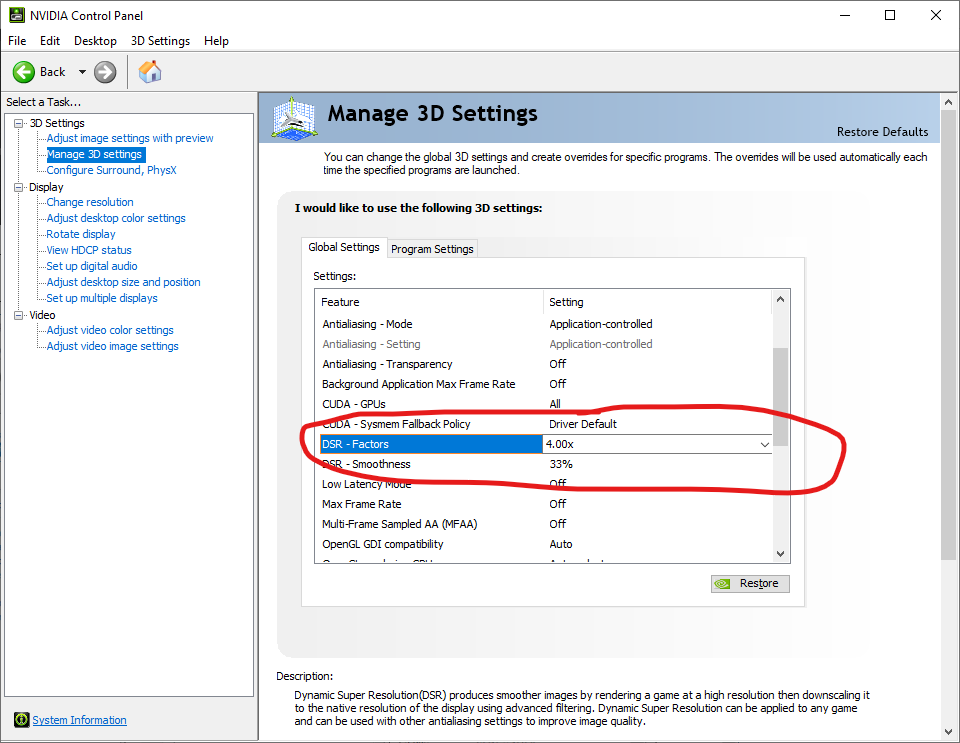
Selected DSR – Factors 4x:
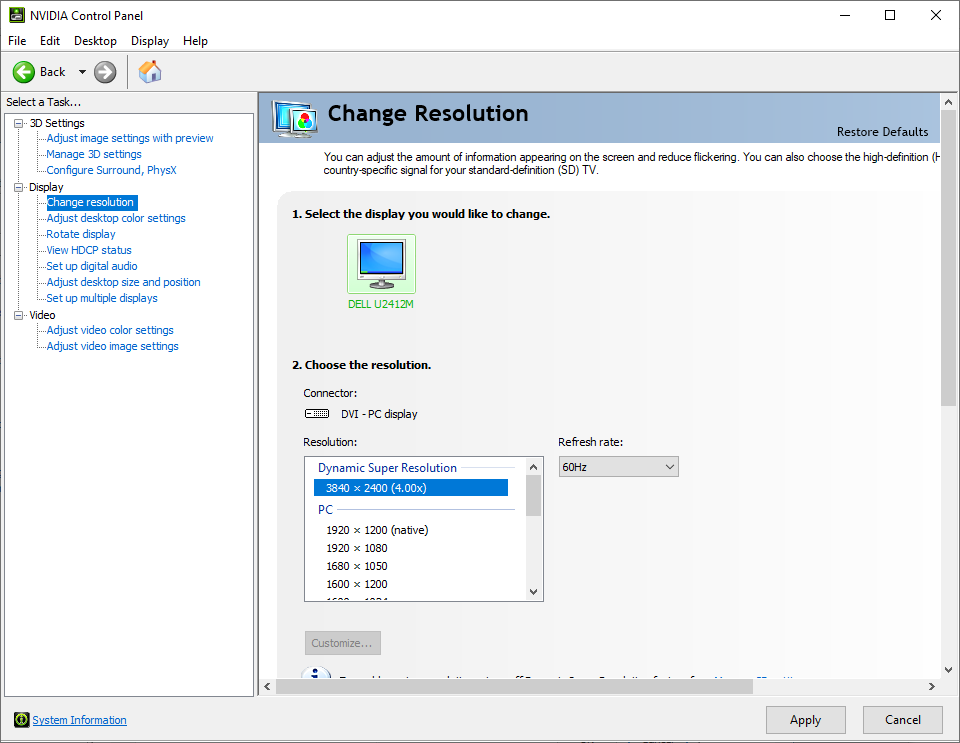
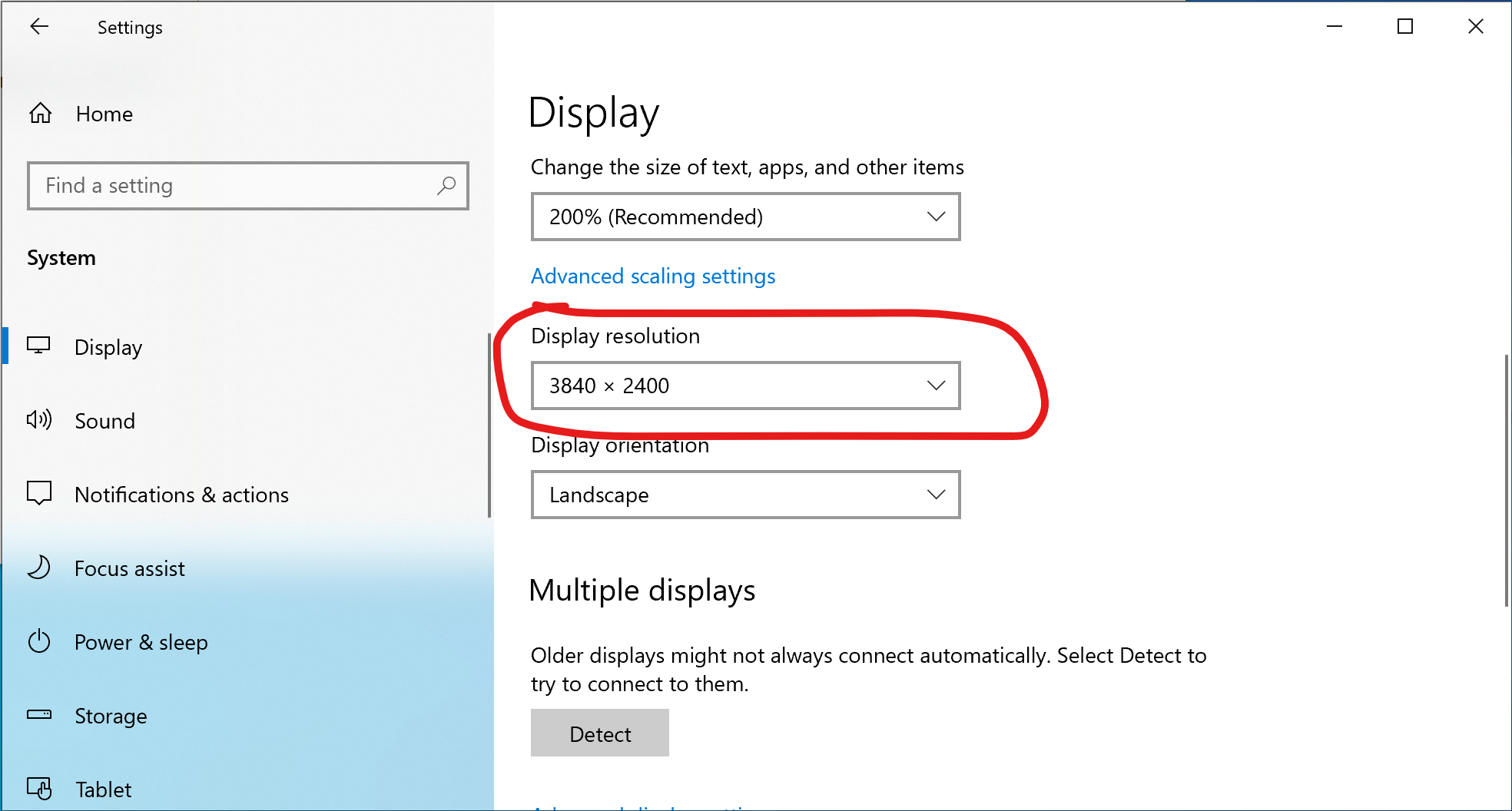
Changed the resolution:
The resolution also changed in System Settings:
QML code for setting the main window size programmatically:
function resizeMainWindow(w, h)
{
    r = Screen.devicePixelRatio

    mainWindow.width = w / r
    mainWindow.height = h / r

    mainWindow.flags |= Qt.FramelessWindowHint
}

Menu
{
    title: mainTr("Windows Size")

    MenuItem {
        text: mainTr("iPhone 6.7 Screen")
        onTriggered: resizeMainWindow(1290, 2796)
    }

    MenuItem {
        text: mainTr("iPhone 5.5 Screen")
        onTriggered: resizeMainWindow(1242, 2208)
    }

    MenuItem {
        text: mainTr("iPad Screen")
        onTriggered: resizeMainWindow(2048, 2732)
    }

    MenuItem {
        text: mainTr("Mac OS Screen")
        onTriggered: resizeMainWindow(1280, 800)
    }

    MenuItem {
        text: mainTr("iPhone 6.7 Video")
        onTriggered: resizeMainWindow(886, 1920)
    }

    MenuItem {
        text: mainTr("iPhone 5.5 Video")
        onTriggered: resizeMainWindow(1080, 1920)
    }

    MenuItem {
        text: mainTr("iPad Video")
        onTriggered: resizeMainWindow(1200, 1600)
    }

    MenuItem {
        text: mainTr("Mac OS Video")
        onTriggered: resizeMainWindow(1920, 1080)
    }

    MenuItem {
        text: mainTr("Default")
        onTriggered: {
            mainWindow.width = nativeModel.windowWidth
            mainWindow.height = nativeModel.windowHeight
            mainWindow.flags &= ~Qt.FramelessWindowHint
        }
    }
}
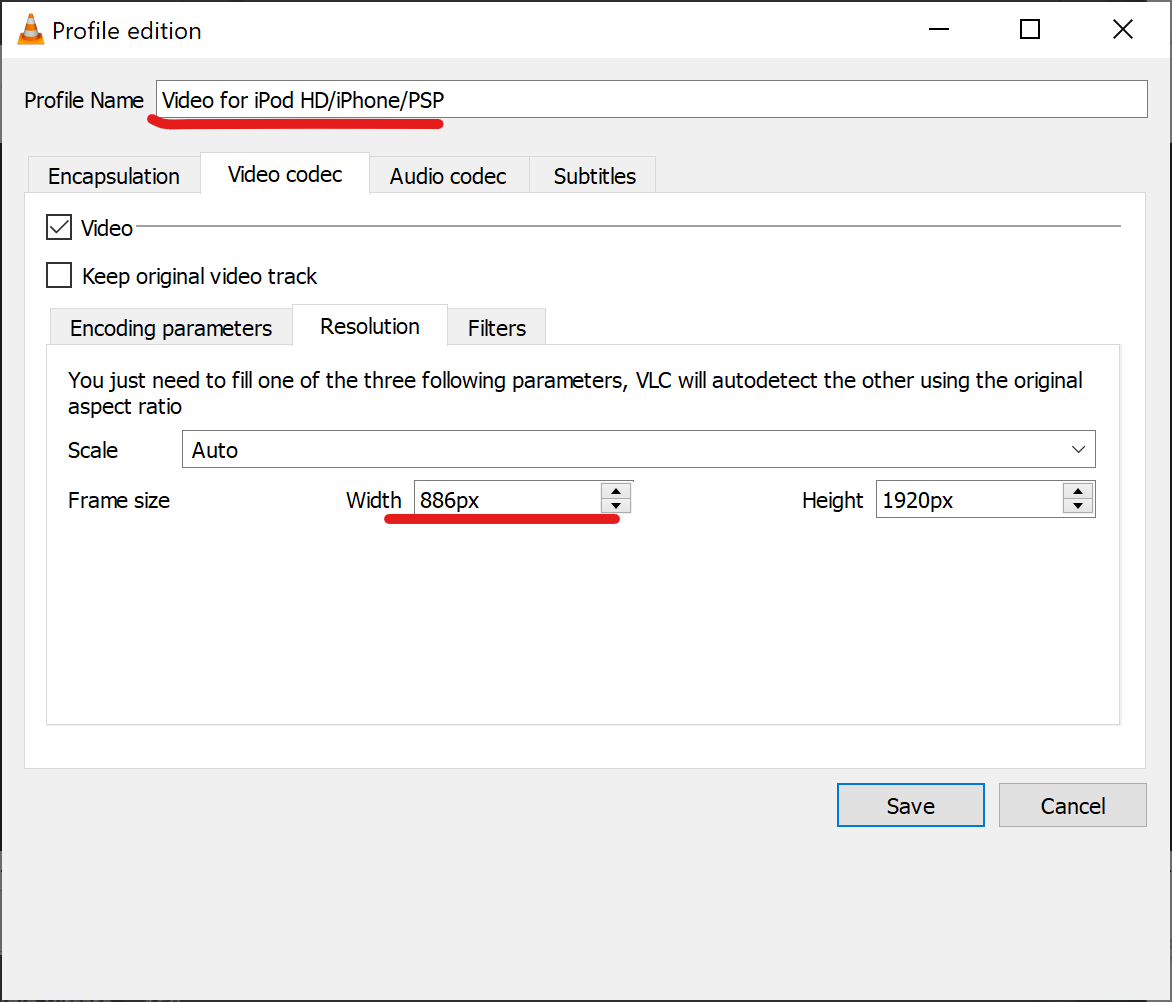
I tried to record iPhone 6.7 video with Win + Alt + R, but it recorded it in 672×1440px resolution.
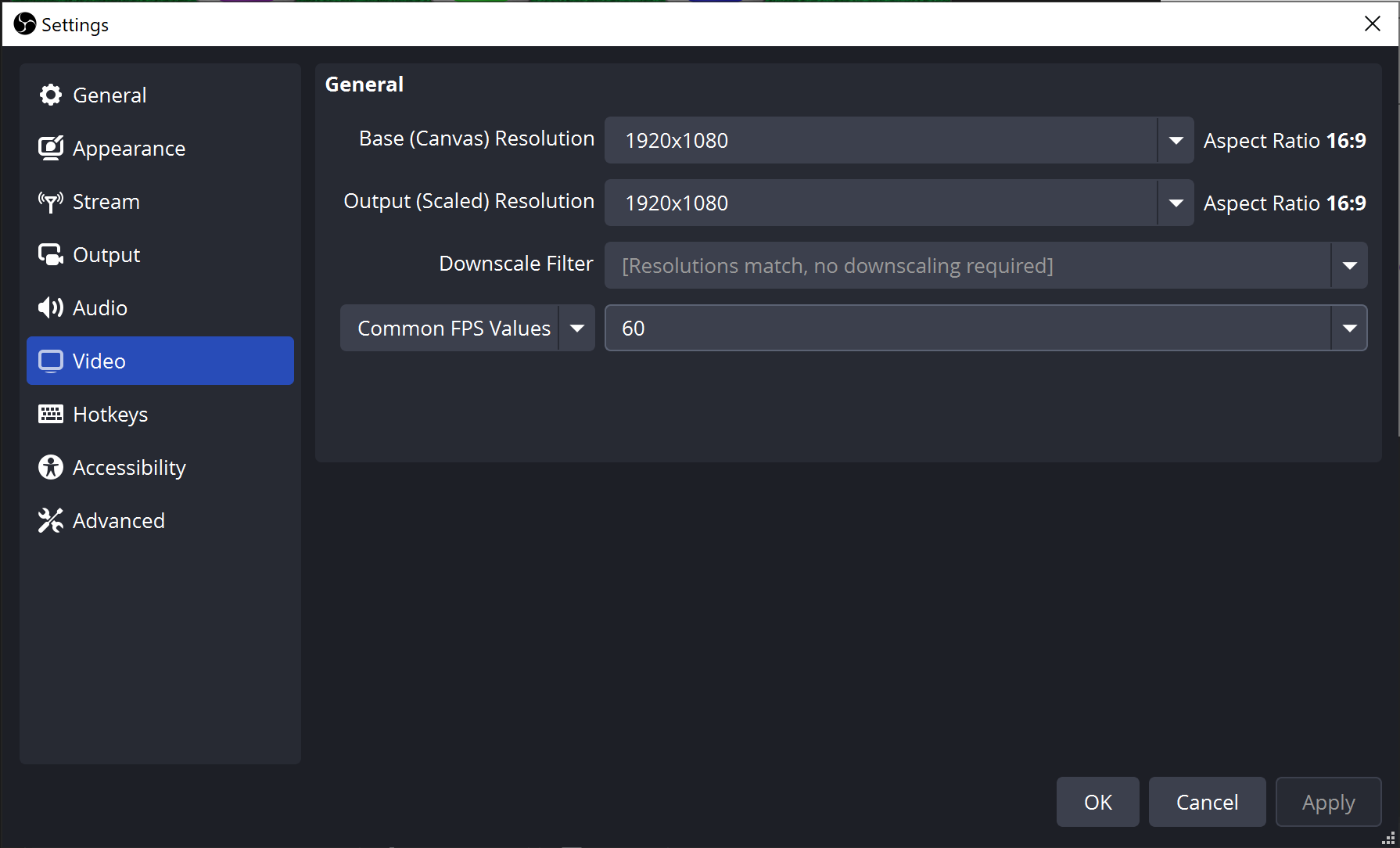
So I tried OBS. Its default resolution was 1920×1080:
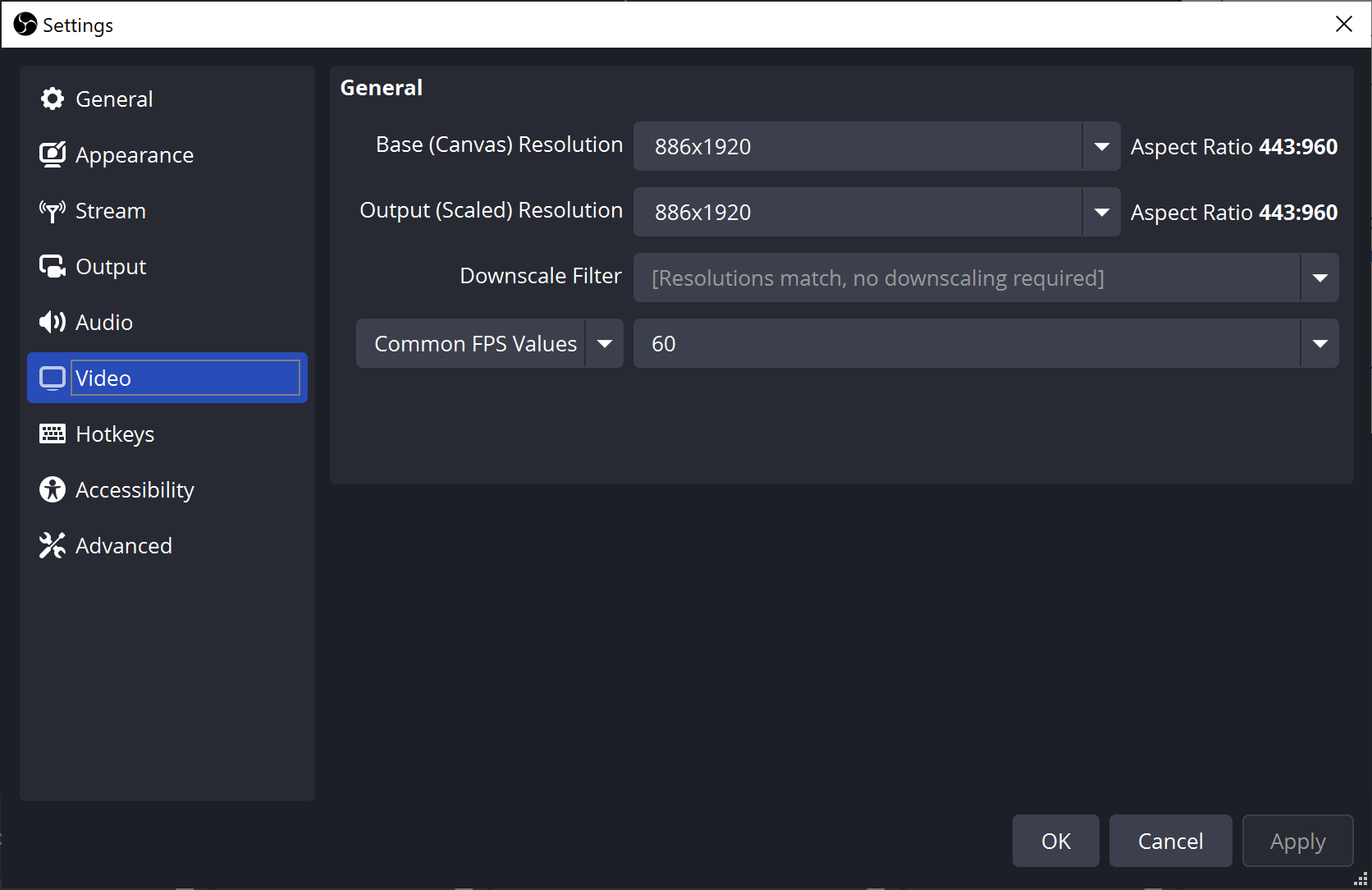
I updated it as follows:
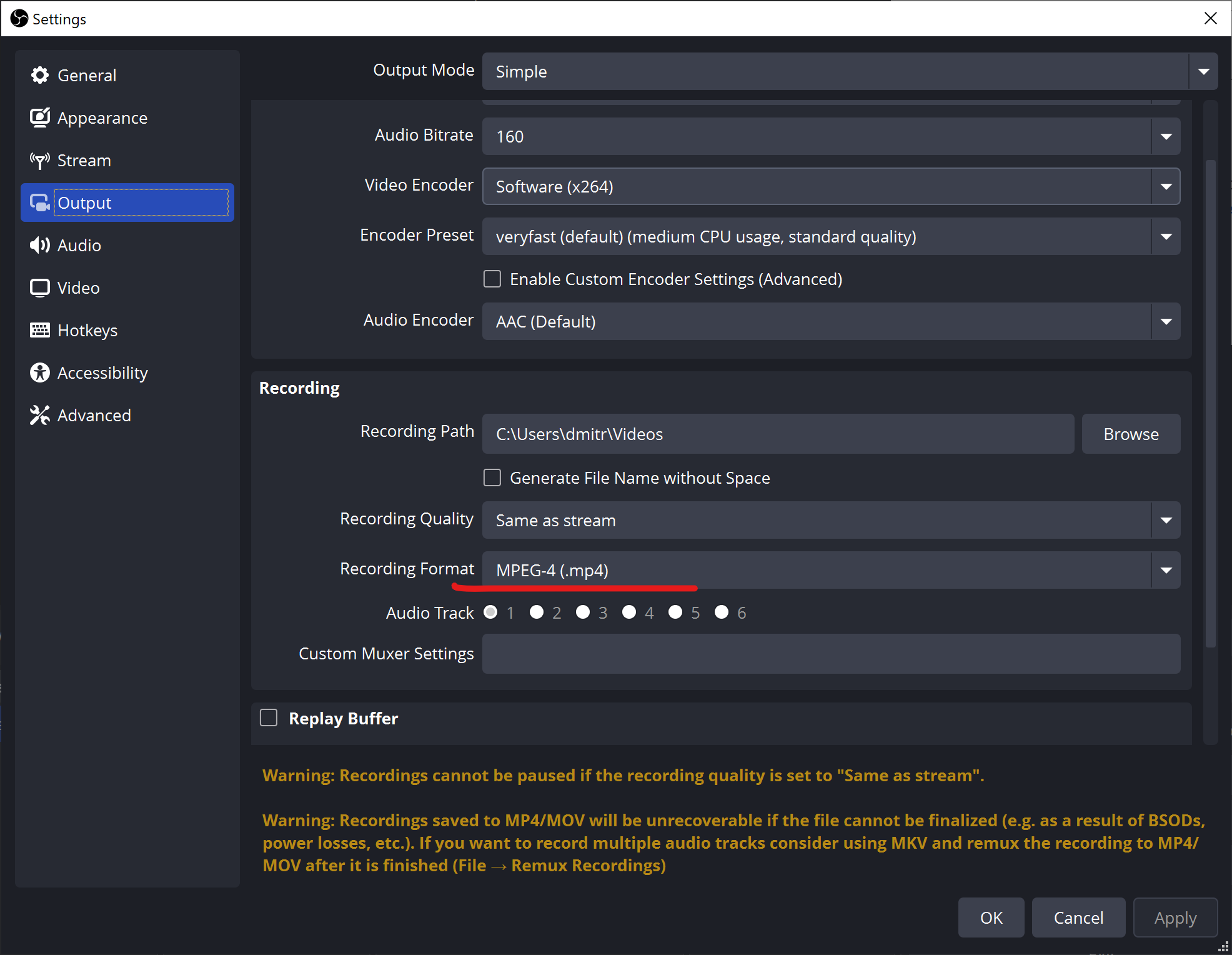
and set the encoder to MP4:
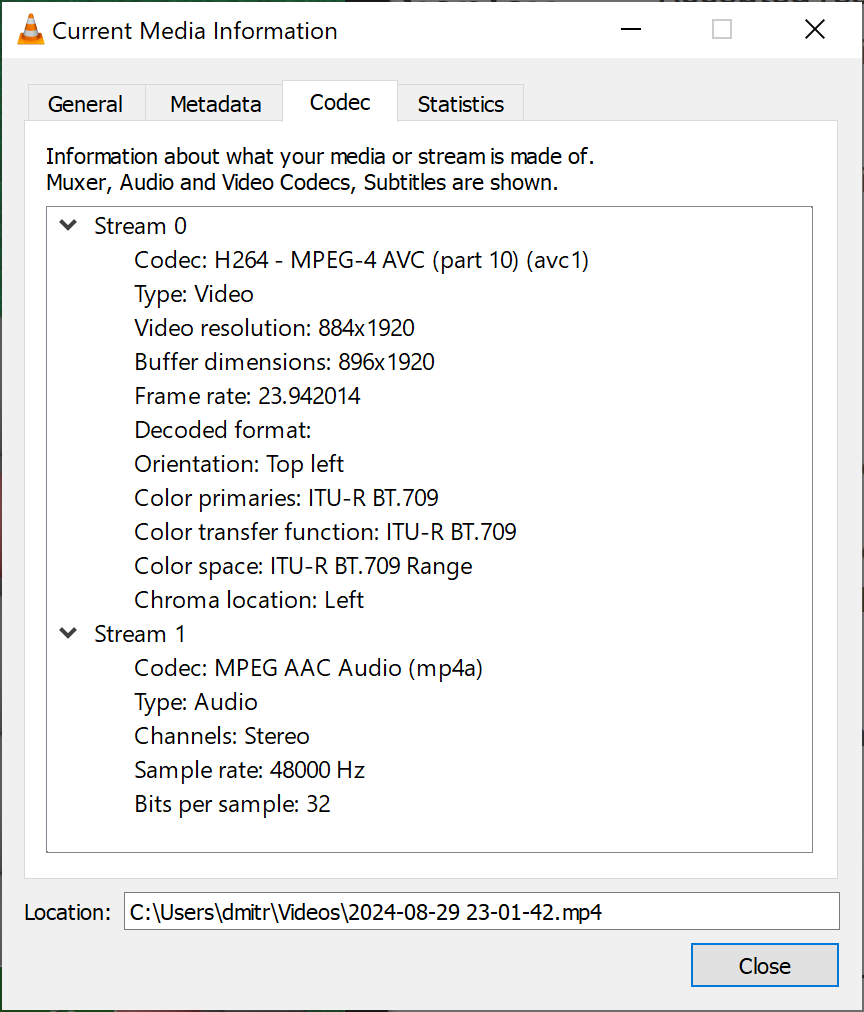
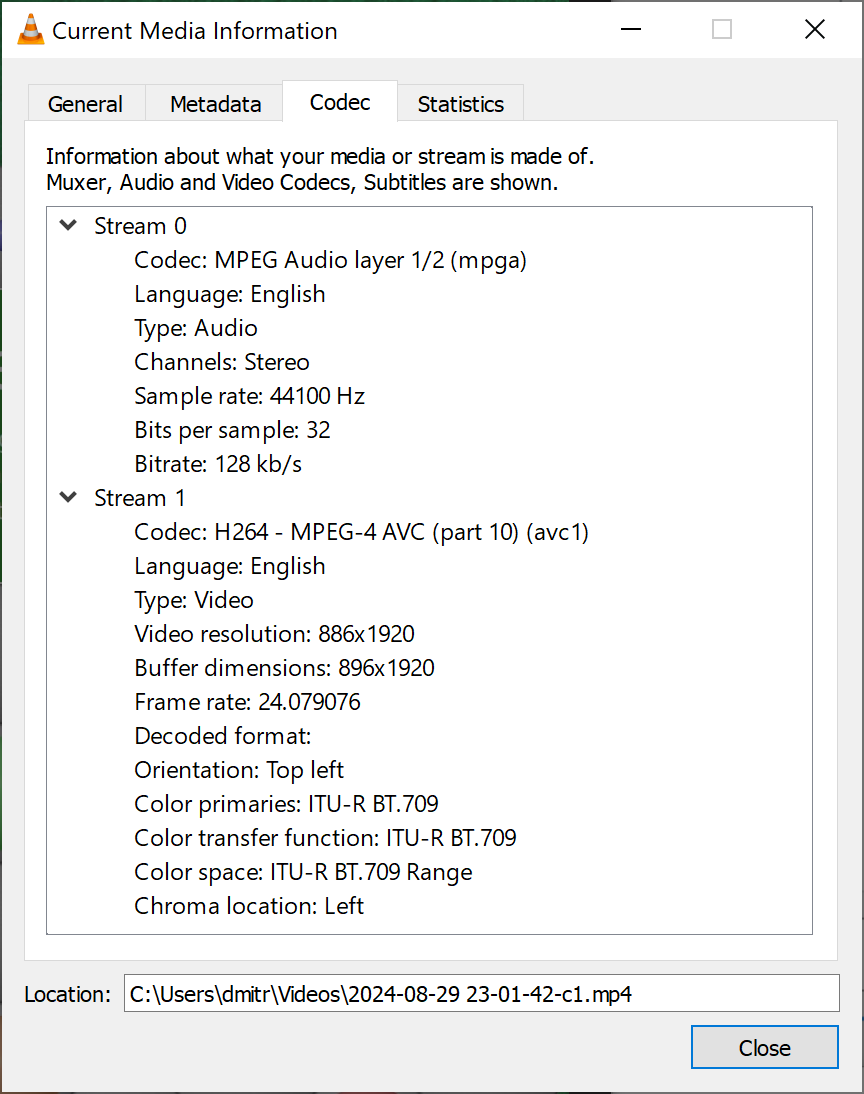
OBS recorded not 886x1920px but 884x1920px for some reason, but I was able to resize the video with VLC player:
Source file properties:
Converted file properties:
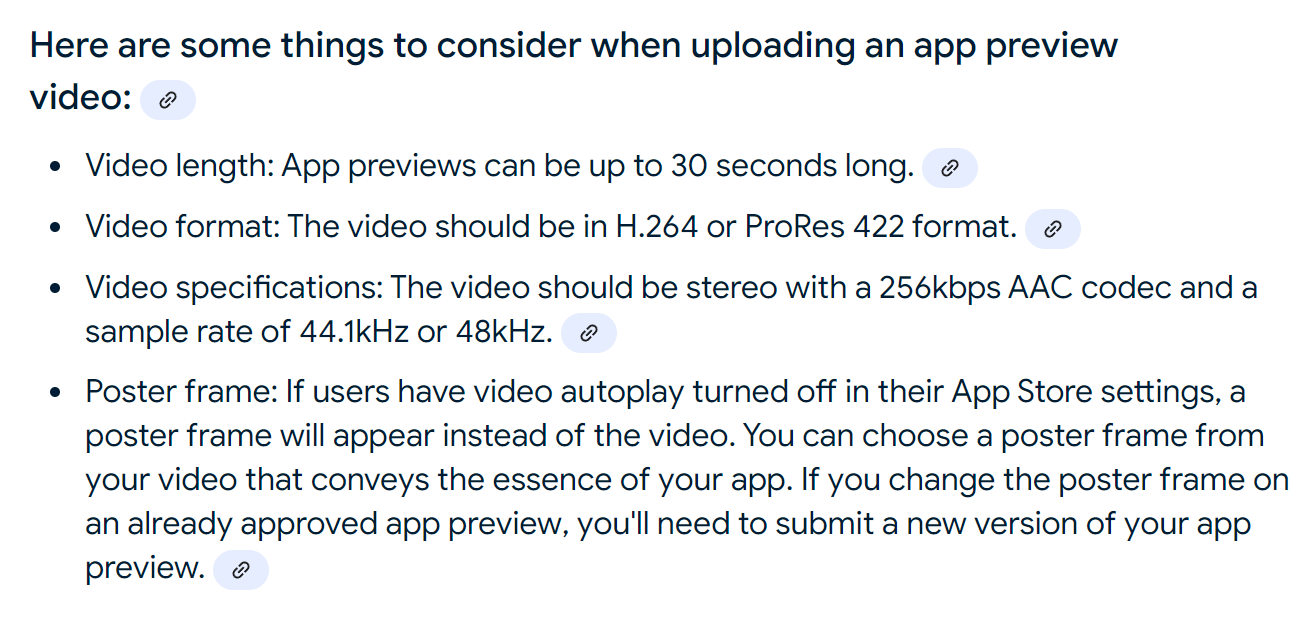
Apple App Store requirements (generated by AI):
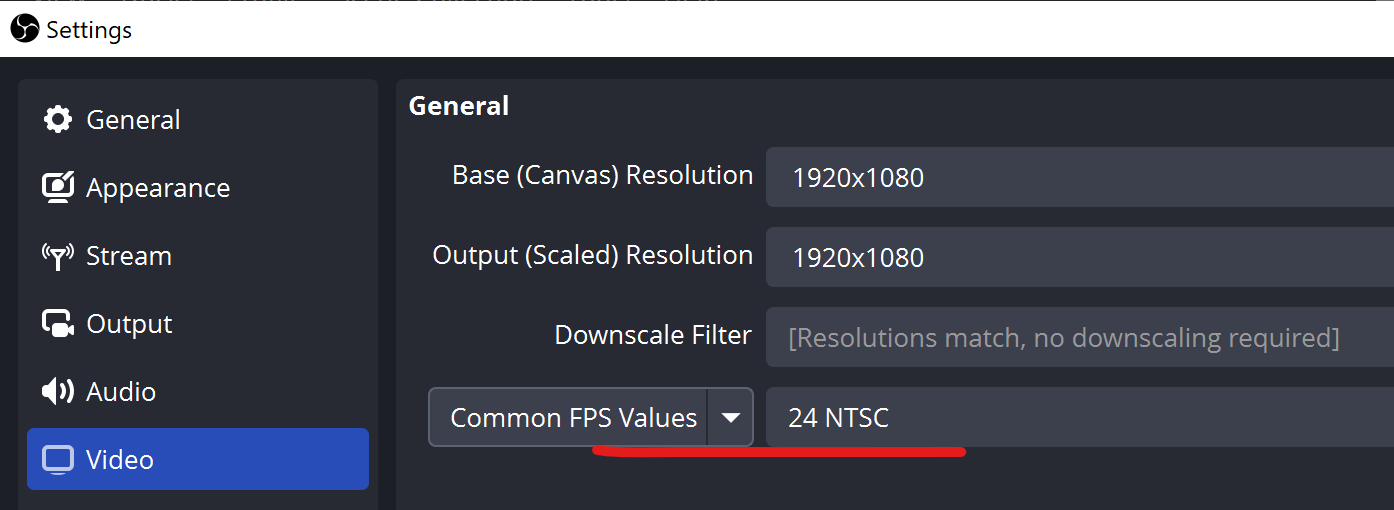
Tried 24 FPS:
The right way to resize the video on Ubuntu 22.04 (Insert a setsar filter to reset the SAR to 1, so that the display resolution is the same as the stored resolution, see stackoverflow.com):
ffmpeg -i iphone884.mp4 -vf scale=886:1920,setsar=1 -c:a copy iphone884-c2.mp4
ffmpeg -i iphone884-ru.mp4 -vf scale=886:1920,setsar=1 -c:a copy iphone884-ru-c1.mp4
ffmpeg -i iphone884-zh.mp4 -vf scale=886:1920,setsar=1 -c:a copy iphone884-zh-c1.mp4


How to make a video smaller with VLC
https://www.digitalcitizen.life/make-video-smaller-windows-10/#google_vignette
VLC media player
https://www.videolan.org/
Are there any apps to resize videos in Ubuntu?
https://askubuntu.com/questions/914066/are-there-any-apps-to-resize-videos-in-ubuntu
sudo apt-get install mencoder
mencoder iphone-src.mp4 -vf scale=886:1920 -ovc copy -oac copy -o iphone-c1.mp4
App Preview resolutions
https://developer.apple.com/help/app-store-connect/reference/app-preview-specifications
iphone 6.7 886×1920
iphone 5.5 1080×1920
ipad 1200×1600
mac 1920×1080
How to resize a video to make it smaller with FFmpeg
https://superuser.com/questions/624563/how-to-resize-a-video-to-make-it-smaller-with-ffmpeg
ffmpeg -i iphone884.mp4 -s 886×1920 -c:a copy iphone884-c1.mp4
Resize video online
https://clideo.com/ru/resize-video
Resizing Video on macOS for Apple App Store Page
https://stackoverflow.com/questions/77259038/resizing-video-on-macos-for-apple-app-store-page
ffmpeg -f lavfi -i anullsrc=channel_layout=stereo:sample_rate=44100 -i input.mp4 -c:v copy -c:a aac -shortest output.mp4
ffmpeg -i output.mp4 -vf scale=886:1920 -r 30 outputFinal.mp4
Using ffmpeg to scale app preview videos for the AppStore
https://stackoverflow.com/questions/53573468/using-ffmpeg-to-scale-app-preview-videos-for-the-appstore
Insert a setsar filter to reset the SAR to 1, so that the display resolution is the same as the stored resolution.
ffmpeg -i video_1920_1080.mp4 -vf scale=1920:886,setsar=1 -c:a copy video_1920_886.mp4
Can’t record a video from a Window of size 886x1920px
https://superuser.com/questions/1853974/cant-record-a-video-from-a-window-of-size-886x1920px
How to create an animated GIF from MP4 video via command line?
https://askubuntu.com/questions/648603/how-to-create-an-animated-gif-from-mp4-video-via-command-line
ffmpeg \-i iphone884.mp4 \
-r 15 \
-vf "scale=512:-1,split[s0][s1];[s0]palettegen[p];[s1][p]paletteuse" \
iphone884.gif
The QML approach for handling device pixel ratio is cleaner than most alternatives. Dividing by r before setting width and height keeps the coordinate system consistent across different displays. The menu structure for quick resolution switching is practical for testing mobile layouts without needing multiple physical devices. FramelessWindowHint is a nice touch for clean capture. The DSR 4x factor combined with programmatic resizing gives precise control over output dimensions that would be tedious to achieve through manual settings alone.