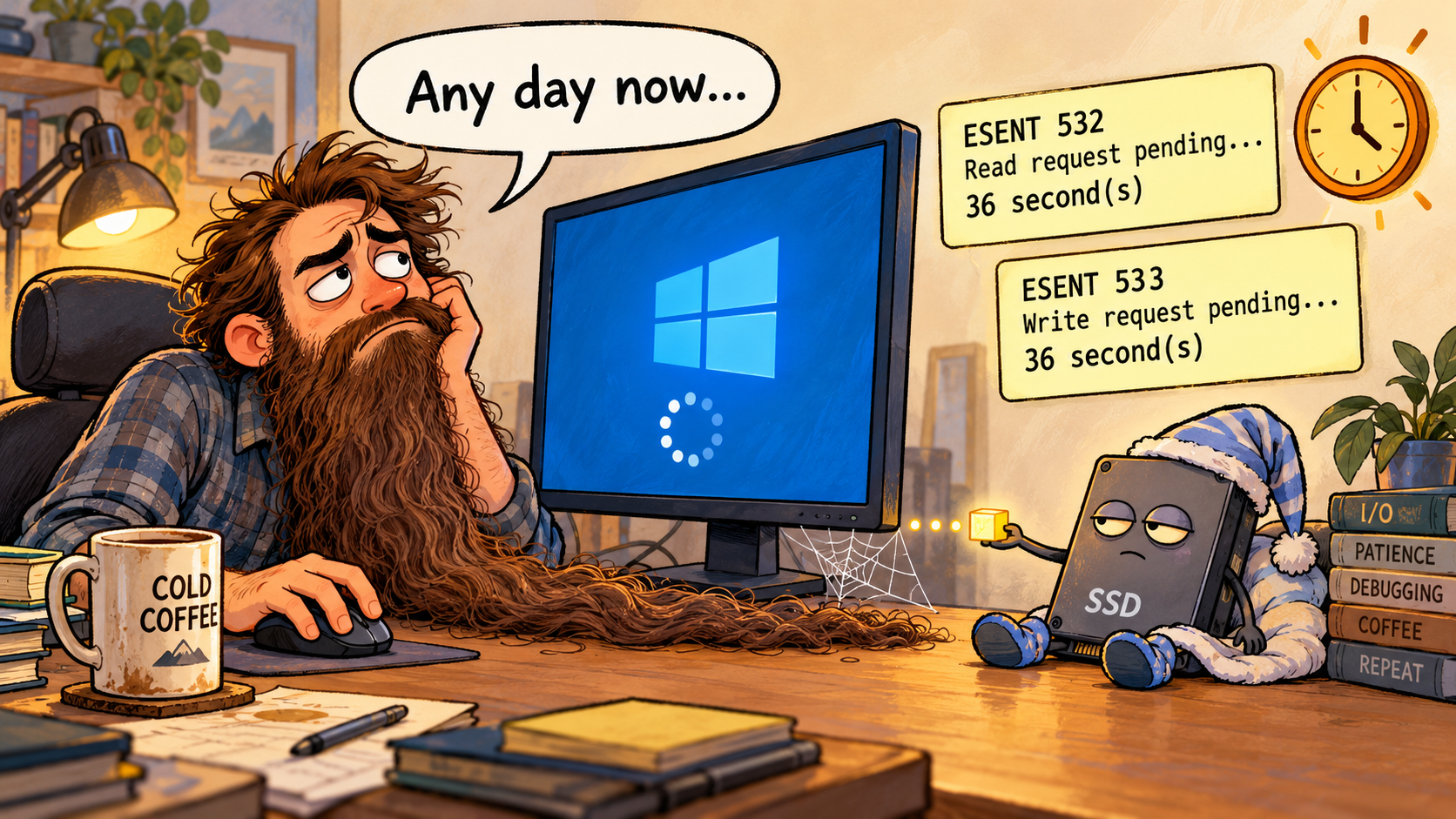
My Windows laptop became almost unresponsive. By the time I investigated, it was responding again. PowerShell revealed file-operation delays of 36 seconds around the time of the freeze. Here are the commands and the evidence, including what they could not establish.
Read the application event log
I queried errors and warnings from the previous 25 minutes:
$since = (Get-Date).AddMinutes(-25)

Get-WinEvent -FilterHashtable @{
    LogName   = 'Application'
    StartTime = $since
    Level     = 1, 2, 3
} -ErrorAction SilentlyContinue |
    Select-Object -First 20 TimeCreated, Id, ProviderName, Message |
    Format-List
Relevant output excerpts follow. The ellipses mark omitted portions of the messages. All timestamps are local, on October 19, 2026.
TimeCreated  : 10/19/2026 11:37:21 AM
Id           : 532
ProviderName : ESENT
Message      : svchost (5404,P,0,0) SRUJet:
A request to read from the file "C:\WINDOWS\system32\SRU\"
... has not completed for 36 second(s).

TimeCreated  : 10/19/2026 11:38:26 AM
Id           : 532
ProviderName : ESENT
Message      : svchost (5404,R,0,0) SRUJet:
A request to read from the file
"C:\WINDOWS\system32\SRU\SRUres00002.jrs"
... has not completed for 36 second(s).

TimeCreated  : 10/19/2026 11:25:21 AM
Id           : 533
ProviderName : ESENT
Message      : svchost (5404,T,0,0) SRUJet:
A request to write to the file "C:\WINDOWS\system32\SRU\SRU.chk"
... has not completed for 36 second(s).
The same query also returned these Windows Search messages, shown here in a compact excerpt:
11:35:34  Microsoft-Windows-Search  10024
The filter host process 16704 did not respond
and is being forcibly terminated.

11:36:42  Microsoft-Windows-Search  10024
The filter host process 22280 did not respond
and is being forcibly terminated.
These events establish that file operations on C: were delayed and that search filter hosts stopped responding. Their timing matches the reported freeze. They do not identify which component caused it.
Check the current disk activity
Get-CimInstance Win32_PerfFormattedData_PerfDisk_PhysicalDisk |
    Select-Object Name, PercentDiskTime,
                  AvgDiskQueueLength, DiskBytesPersec
The relevant results at the time of inspection were:
Name               : 0 C:
PercentDiskTime    : 2
AvgDiskQueueLength : 0
DiskBytesPersec    : 1221275

Name               : 1 D:
PercentDiskTime    : 0
AvgDiskQueueLength : 0
DiskBytesPersec    : 0
The system disk had no queue at that moment. This snapshot cannot reconstruct activity five or ten minutes earlier; the event log supplied the historical evidence.
Check the reported drive health
Get-Disk |
    Select-Object Number, FriendlyName, BusType,
                  HealthStatus, OperationalStatus, Size
Output for the system SSD:
Number            : 0
FriendlyName      : WD PC SN740 SDDPMQD-512G-1101
BusType           : NVMe
HealthStatus      : Healthy
OperationalStatus : Online
Size              : 512110190592
Windows reported the drive as healthy. However, a more detailed reliability query failed:
Get-PhysicalDisk | Get-StorageReliabilityCounter
Access to a CIM resource was not available to the client.
What the evidence supports
During inspection, CPU usage was approximately 30–38%, with roughly 5–6 GB of RAM available out of 32 GB. C: had about 29 GiB free, around 6% of its capacity. No disk-controller or NTFS warnings or errors appeared in the System-log query covering the previous 24 hours.
Windows Update and Kaspersky Endpoint Security were active, but that does not prove either caused the freeze. The delayed operations could involve the SSD, a driver, or software intercepting file access; the available evidence does not distinguish them.
The defensible finding is a 36-second delay in file operations on the system drive around the time of the freeze. It is not a confirmed SSD failure or proof of sustained disk saturation. Detailed SSD diagnostics and antivirus reports from that period would be the next checks. No services or settings were changed during this investigation.